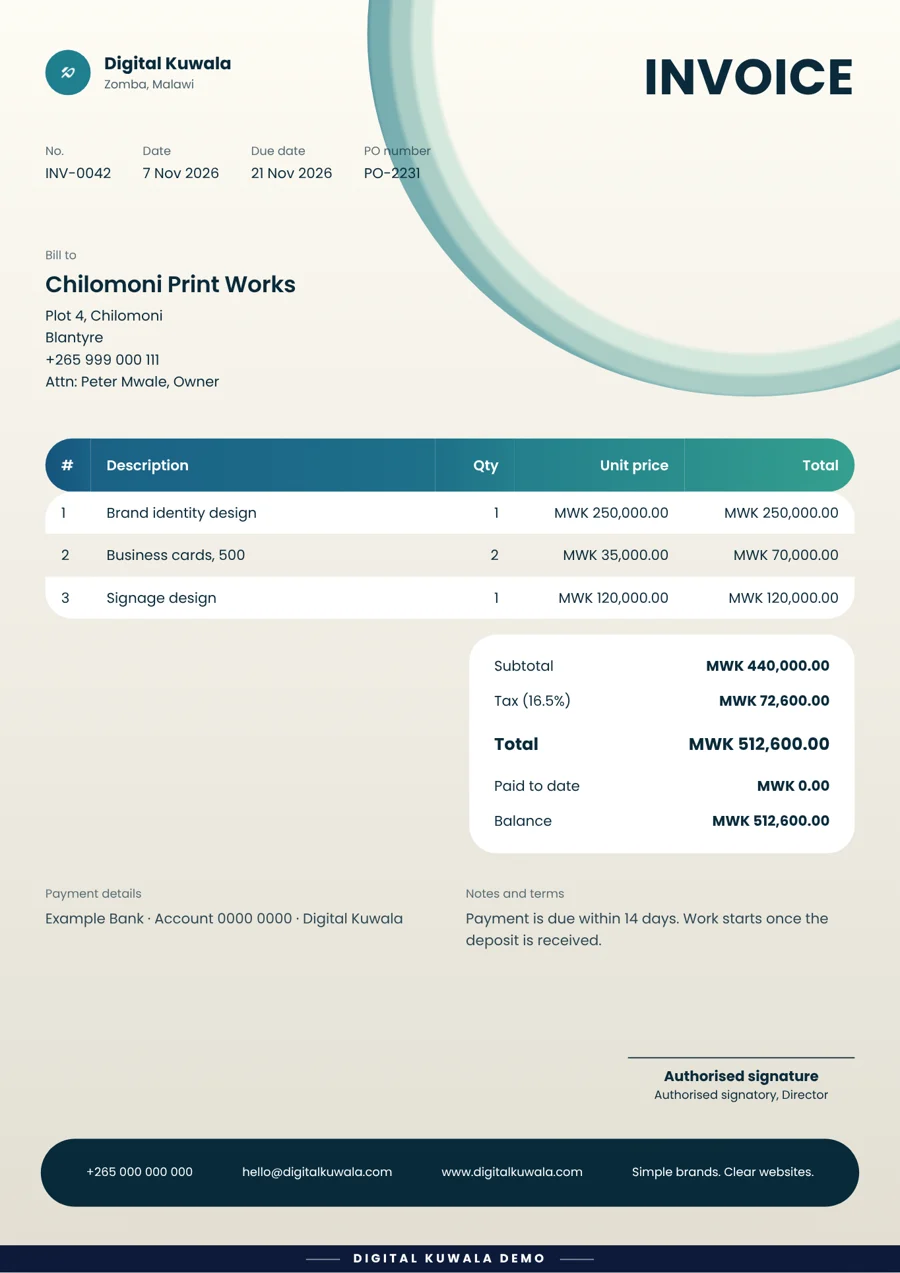
Invoice
A designer gets paid
The situation: A designer finishes a logo job and wants to be paid today.
What they did: Picked the client from their saved list, typed three prices, and sent the PDF on WhatsApp.
Type in your details, pick a style, and get a neat, professional document. Download it or send it on WhatsApp.
You do not need to install anything or learn any software.

Invoices, quotations, receipts, delivery notes, tender forms and letters.

Choose from 7 ready-made styles. Add your logo and your colours.

Download a PDF or a picture, or share it on WhatsApp or email.
Pick an invoice, quotation, receipt or another document.
Add the client and the items. The app remembers your clients for next time.
Choose a design, add your logo, and add your signature if you like.
Save it as a PDF or picture, or send it on WhatsApp or email.
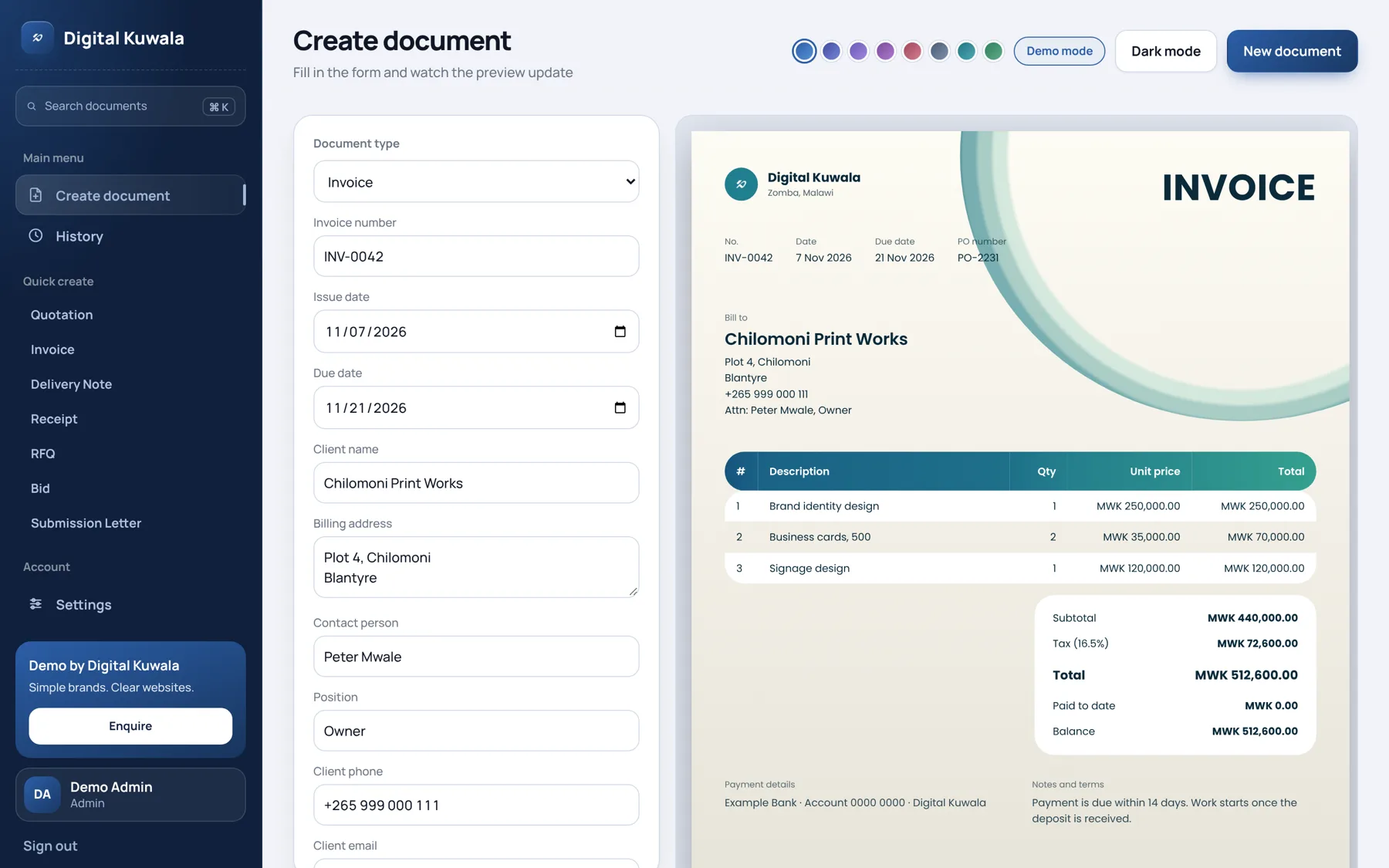
Not sure what each one is for? Here is the short version.
 InvoiceA bill you send to a customer so they can pay you.QuotationA price you offer before the work starts.
 ReceiptProof that you received a payment.Delivery noteA list of what you delivered to a customer.
 RFQA request asking suppliers for their prices.BidA priced offer you send for a tender or contract.
 Submission letterA cover letter for the documents you send.
 Your ownA blank page you can write anything on.
An optional page shows how much you billed and what is still unpaid. Switch it off if you only want to make documents.
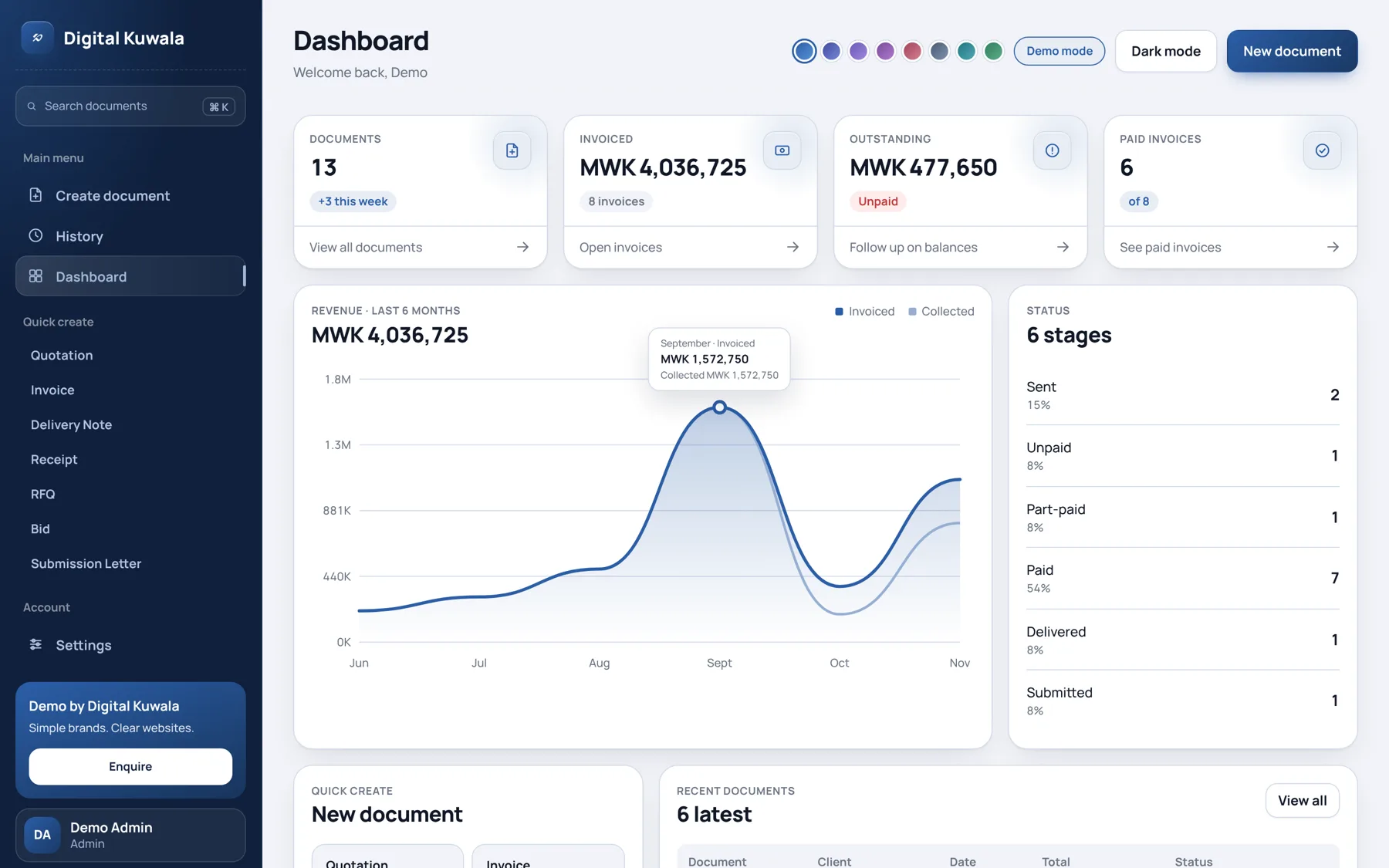
See what you billed and what people still owe you.
Every document shows who made it, and when.
Each person on your team signs in with their own password.
The situation: A designer finishes a logo job and wants to be paid today.
What they did: Picked the client from their saved list, typed three prices, and sent the PDF on WhatsApp.
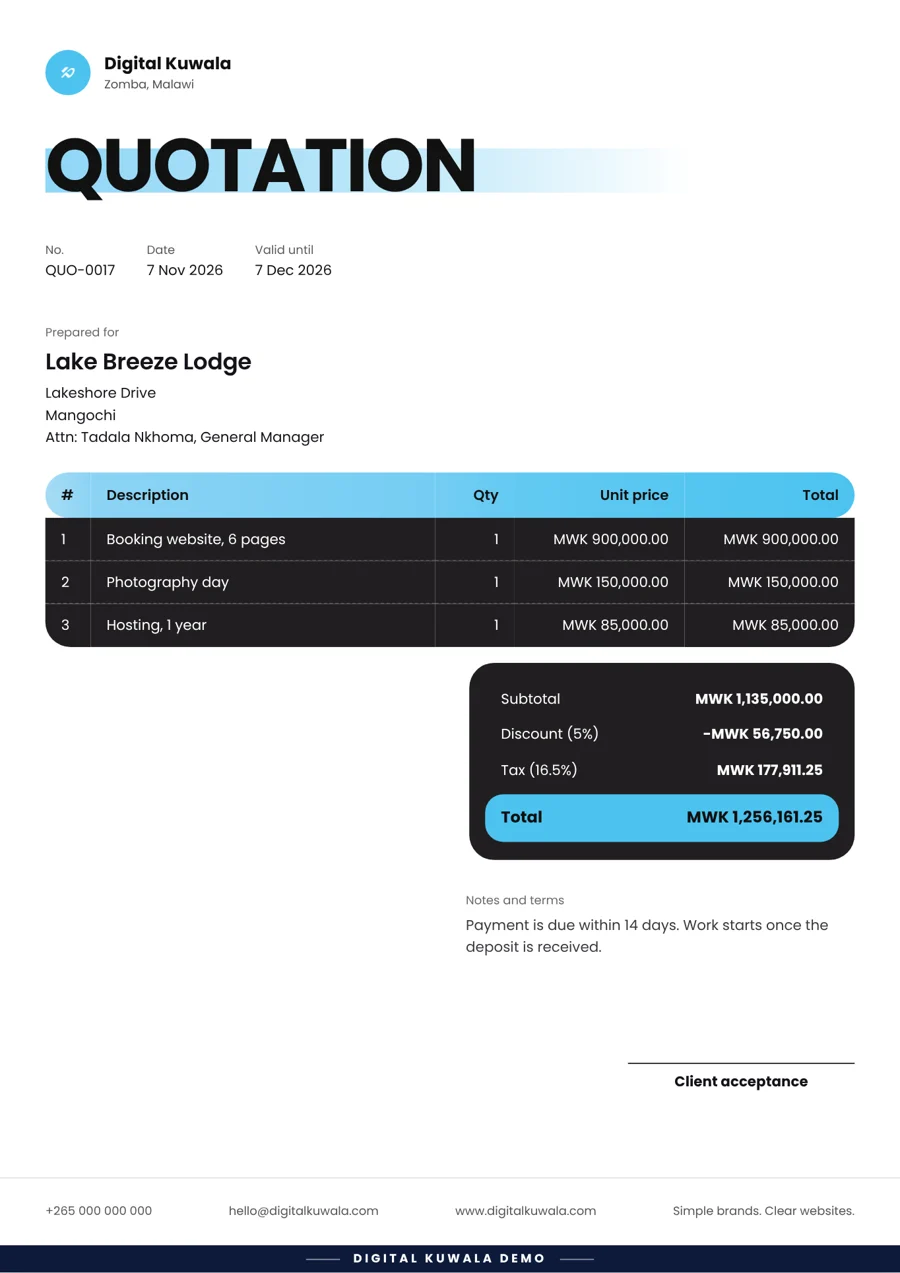
The situation: A lodge asks how much a new booking website would cost.
What they did: Made a quotation with a 5% discount and an end date, then turned it into an invoice once the lodge said yes.
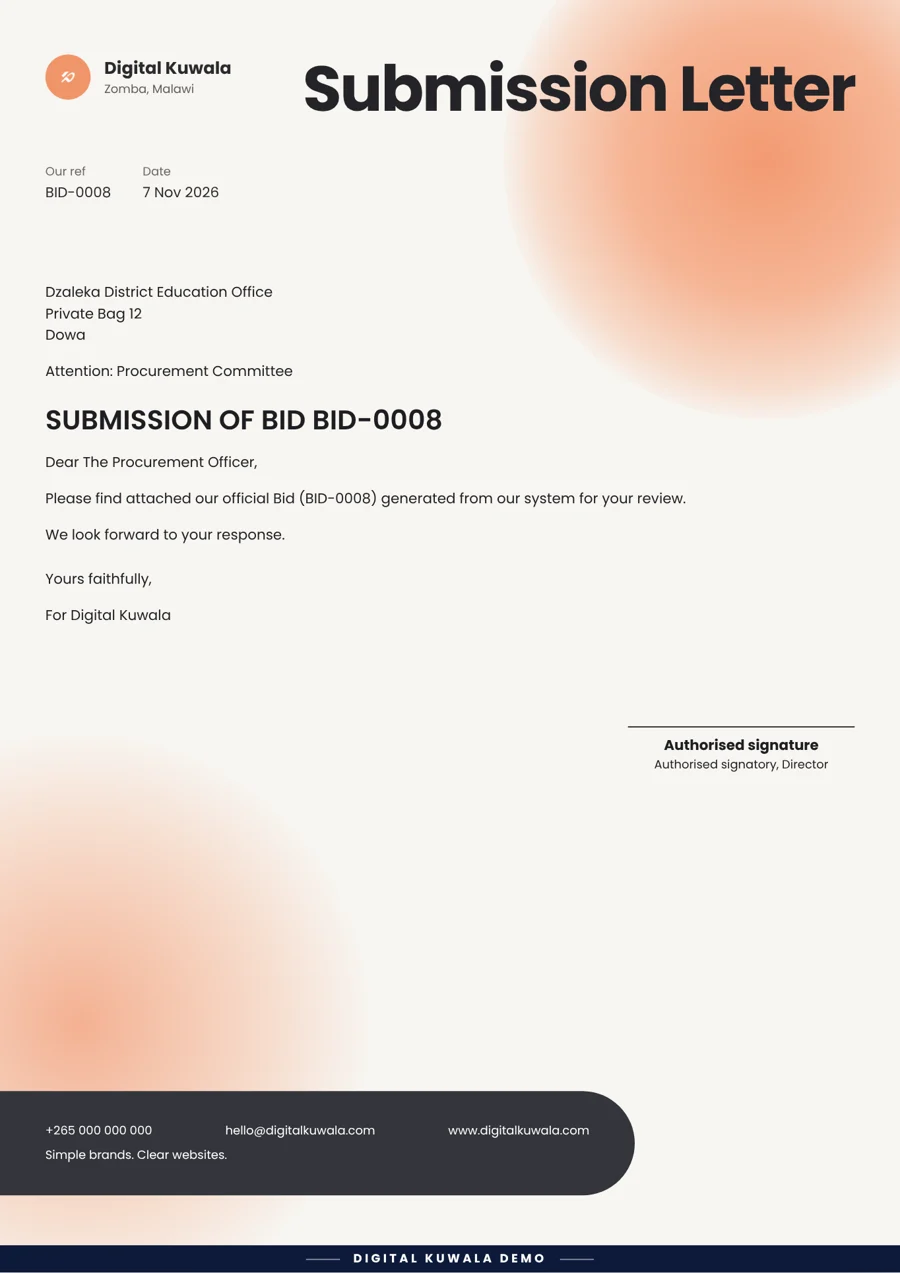
The situation: A district office wants a priced offer with an official cover letter.
What they did: Ticked one box to add the cover letter, then downloaded everything as one PDF.
Yes. Open the demo, choose one of the sample accounts on the sign-in screen, and make as many documents as you like. You do not pay or enter card details.
Every document made in the demo has a small “Digital Kuwala demo” line at the bottom, so everyone can tell it is a sample.
In the demo, your information stays only on your own device. In a full version for your business, it is kept in a secure online database, so your team can share it.
Yes. Upload your logo in Settings and pick a colour set. The app can even pick colours that match your logo.
A PDF (best for emailing and printing) or a picture file (good for WhatsApp). You can also send it straight to WhatsApp or email.
Yes. Each person gets their own login and can save their own signature. The history shows who made each document, what type it is, and when.
Yes. It works on phones, tablets and computers. A bigger screen is easier when you are typing a lot.
Yes. You set your tax rate once. Totals, discounts, amounts paid and the balance are worked out for you.
Send a message to Digital Kuwala. We set it up with your name, logo, colours and team logins, then show you how to use it.